Construction
Show finished work, not photos of it
A photo shows one corner of a project. With a 360° tour, clients, candidates and new employees walk through your completed work, your equipment yard and your site setup themselves, from their browser.
Who it is for
One tour, four audiences
Clients and project owners
Let prospective clients walk through work you have delivered, room by room, instead of leafing through a reference list. They see the finish for themselves, not the best angle of it.
Candidates
Site workers, foremen and project managers see the projects they would work on and the yard they would start from, before they apply.
New employees and subcontractors
Anyone coming to work for you already knows the way: the yard, the site setup and the safety rules where they apply. With an option for an internal tour only your own people see.
Schools and the public
Show students and anyone curious about your company what you build and how you work. You can also use the tour in your own presentations.
What you show
From the yard to the finished building
Every place you choose in 360°, with dots that open a photo, a video, an explainer or a link.
Completed projects
Walk through a building you delivered and look around in every room. Dots point out the details worth knowing, with photos from your own archive where they help.
The site from the air
A drone photo as the starting point: the whole site in one view, with the locations you click to go inside.
Equipment yard and workshop
Your machines, your storage and the place your crews set out from each morning: what a client or a new colleague rarely gets to see.
Site setup and your team
How you organise a site, with your own people on video explaining what happens where and why.
How to use it
One link, wherever you need it
On your references page
The tour sits next to your projects on your website: a button, a link or an embed.
In your proposals
Add the link to a quote or a presentation, so the client can look at comparable work before the meeting.
In job ads and at job fairs
A link in the vacancy, a QR code on your stand: candidates see where they would work.
Before the first day
New employees and subcontractors explore the yard and the site setup in advance, and find their way sooner.
How a project runs
An example from another sector: Oleon
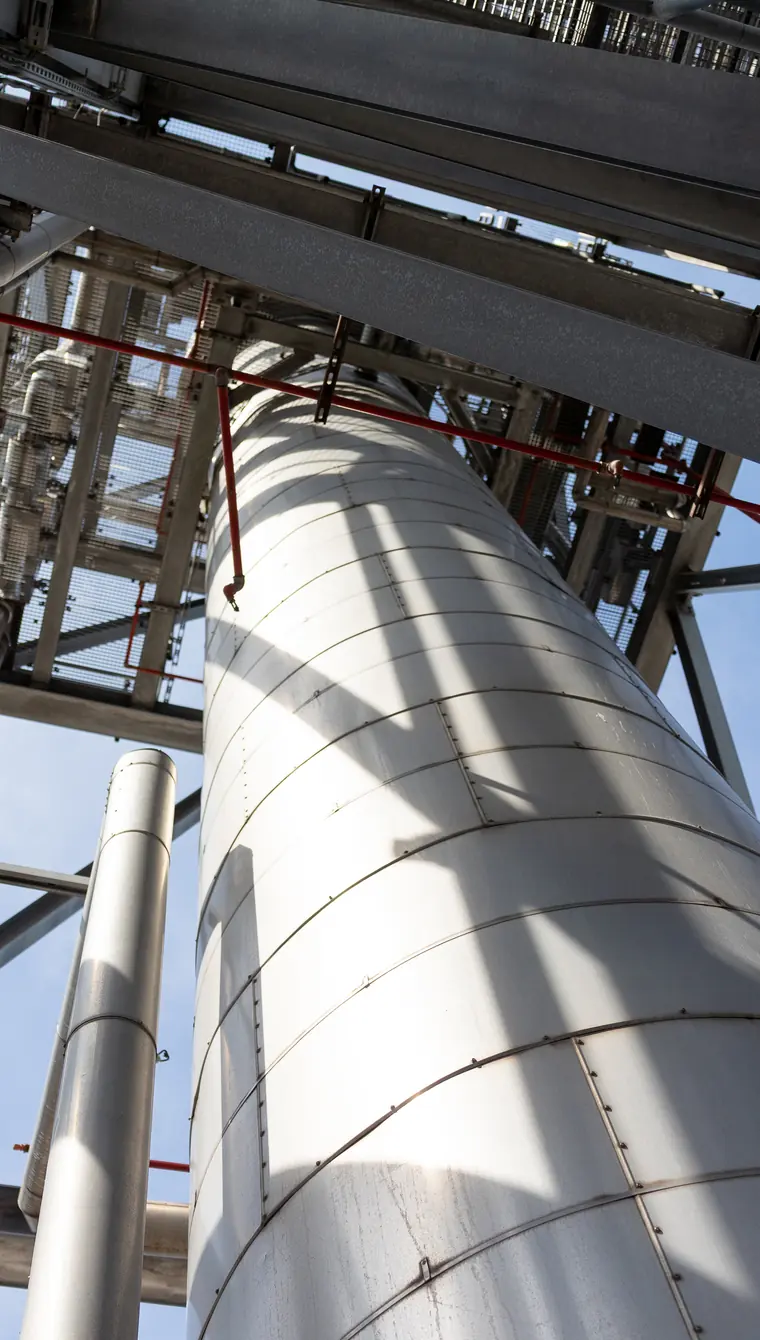
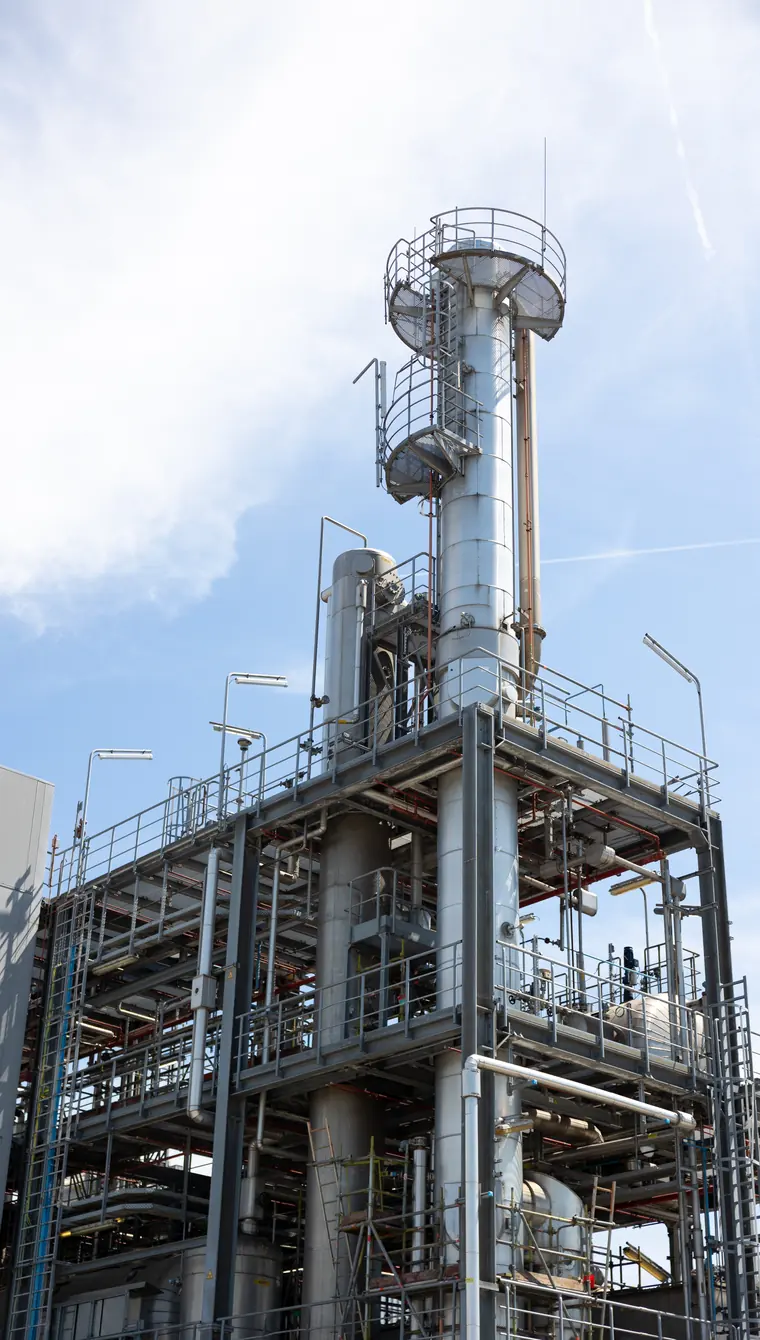
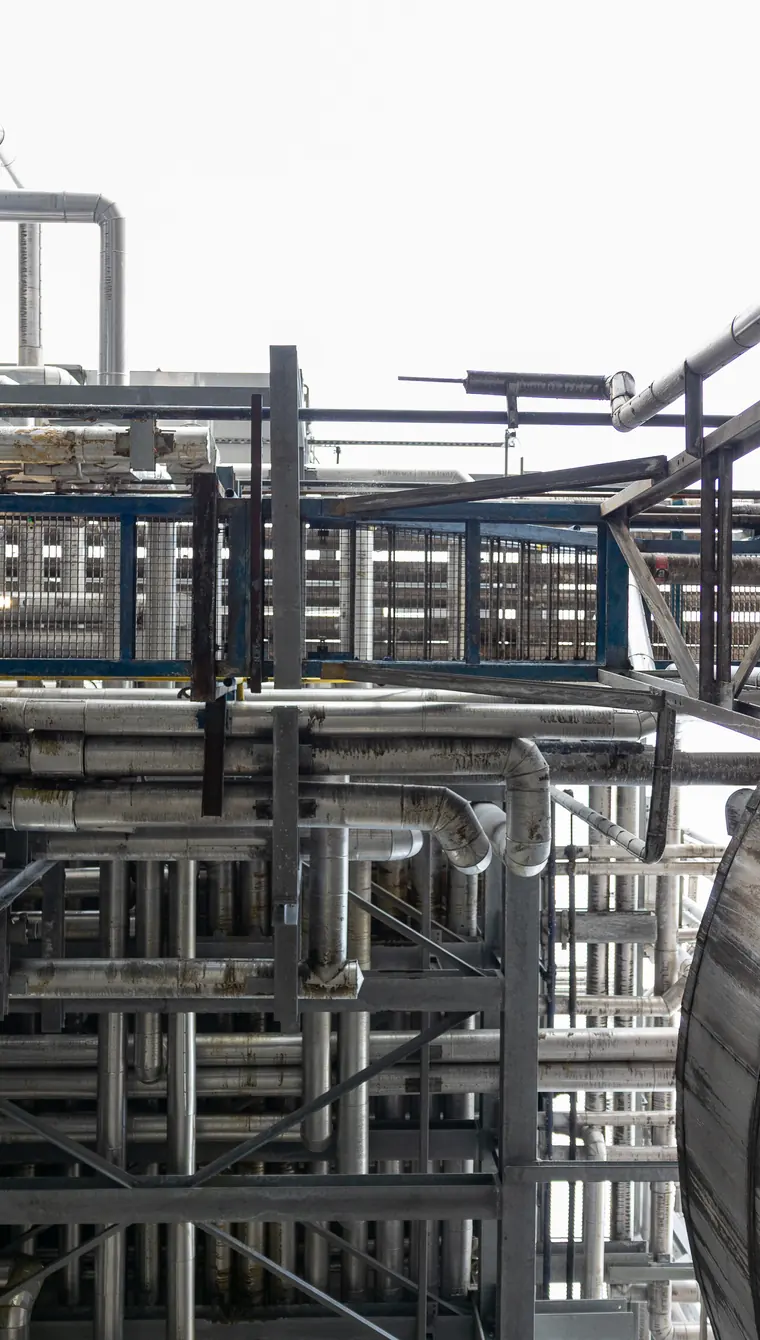
Oleon is a chemical plant, not a construction company, but the approach is the same. For their site in Ertvelde we captured 23 locations in 360°, with a drone photo, more than 70 dots and interviews with employees, in two days on site while work kept running.
- locations captured
- 23locations captured
- 360° panoramas
- 27360° panoramas
- interactive dots
- 70+interactive dots
- on site
- 2 dayson site
Questions
What construction companies ask us
No, we film while work keeps running. You schedule each place for a moment that suits you and decide who comes along. You give us a safety briefing and an escort on site.
Yes. You decide which areas are accessible and tell us beforehand what must not be shown. Places that must stay out of public view go only into the internal tour for your own staff, or are left out altogether.
Yes. A new project means new 360° shots, which we agree separately. Texts, photos and videos in the existing tour can be changed and dots added at any time. In the scoping call we look at which projects to start with.
It depends on the number of hotspots, meaning the 360° panoramas you can walk through in the tour: our packages run from 6 to 30, and above that we work to order. After a free 30-minute scoping call you receive a quote within 2 business days, and the final price is fixed once the script is approved, before the shoot.
Let the world step inside
your business.
Let's build your interactive 360° virtual tour. One shoot, infinite possibilities for recruitment, onboarding, sales and beyond.